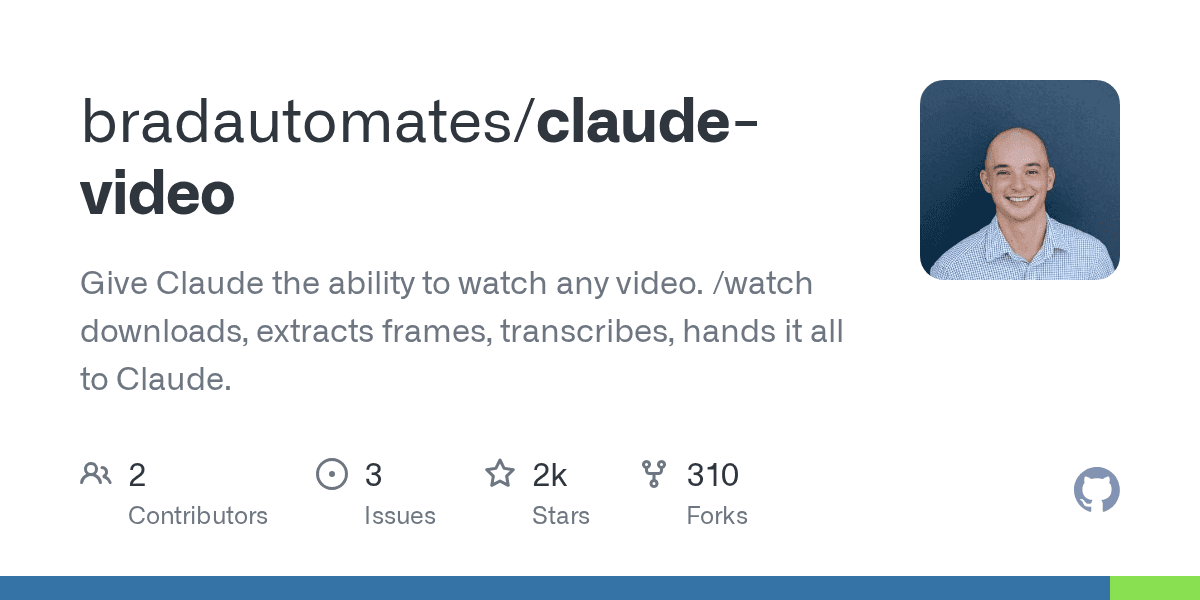
A new open-source tool, 'claude-video', gives Anthropic's AI assistant the ability to analyze video content. The project, detailed on GitHub and updated as of May 8, 2026, has already attracted over 1,600 stars by enabling Claude to process video URLs or local files and answer questions about their visual and audio content.
Until now, large language models like Claude could read text and code but struggled with video, often guessing content from a title or a sparse transcript. This tool closes that gap by allowing the AI to 'watch' a video, providing a deeper level of analysis previously reserved for human viewers.
How Does It Work?
The script orchestrates a multi-step process when a user provides a video link and a prompt. It uses established open-source tools to download the video, extract key visual frames, and generate a transcript. This combined visual and textual data is then fed into Claude's context window for analysis.The process uses two core components:
yt-dlp: This tool downloads the video from a wide range of sources, including YouTube, TikTok, and Vimeo, or simply accesses a local file.
ffmpeg: After the video is secured, ffmpeg extracts a series of still frames. The rate of extraction is automatically adjusted based on the video's length to manage cost and token limits.
What Are the Primary Use Cases?
The tool unlocks several high-value workflows for professionals. Instead of manually scrubbing through videos, users can delegate analysis to the AI, saving significant time. The primary applications include content analysis, bug diagnostics, and rapid summarization.
Content Analysis: Marketers and creators can analyze viral videos or competitor ads to deconstruct their structure, visual hooks, and messaging.
Bug Diagnosis: Developers can feed the tool a screen recording of a software bug. The AI can watch the playback, identify the exact moment the error occurs, and describe the on-screen events leading to it.
Summarization: Users can get the key takeaways from long lectures, podcasts, or presentations without watching them in their entirety.
What Are the Costs and Limitations?
While powerful, the tool operates within technical and financial constraints. The primary driver of cost is image processing, as each video frame consumes a significant number of tokens in the AI's context window. This reality reflects a broader industry challenge, as some reports from Yahoo Finance suggest AI compute costs can be substantial.The script includes smart defaults to manage this, but users should be aware of the key limits. According to the developer, there is a hard cap of 100 frames per video and a maximum of 2 frames per second (fps) to prevent runaway token usage. The fallback audio transcription service, Whisper, has its own upload limit of 25 MB, which corresponds to roughly 50 minutes of audio.
Video Duration Default Frame Budget Analysis Density ≤ 30 seconds ~30 frames Dense; captures most key moments 30s - 1 minute ~40 frames Still dense 1 - 10 minutes ~60-80 frames Sparse but workable > 10 minutes 100 frames Sparse scan; focused re-run recommended
For videos longer than 10 minutes, the tool issues a "sparse scan" warning, advising the user to re-run the analysis on a more specific time window for better results. This aligns with Anthropic's recent model updates like Opus 4.8, which, according to 9to5Mac, give users more control over the AI's effort and cost.