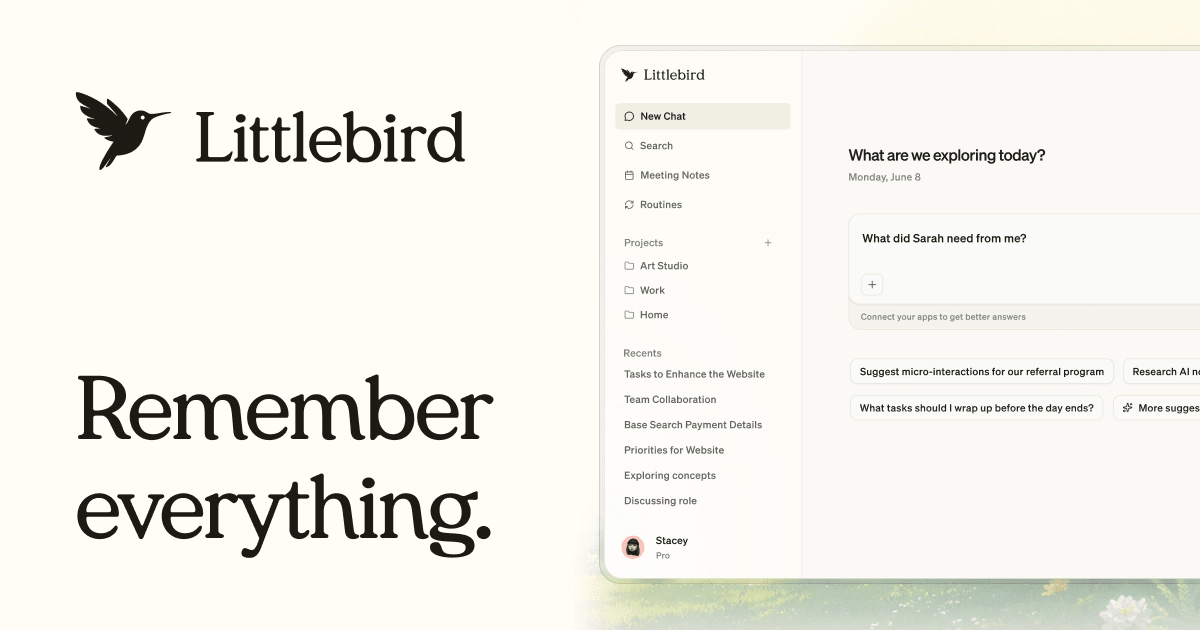
Littlebird AI is a personal productivity assistant designed to understand a user's workflow by observing their screen activity across applications, eliminating the need for manual data input. It helps users with tasks like generating meeting notes, automating routines, and drafting communications, all while upholding enterprise-grade security and SOC 2 certification as of 2026, according to Littlebird.
This approach addresses a common challenge in the evolving landscape of AI agents, where users often struggle with the overhead of context-setting. While the enterprise technology conversation in 2026 has often centered on AI agents as the future of work, adoption remains low due to behavioral barriers and a preference for enhanced existing tools over complex new automations, according to Forbes.
Littlebird aims to bridge this gap by offering a frictionless experience. It operates as a constant, context-aware presence, reducing the need for users to repeatedly explain their work or manually retrieve information across fragmented applications.
How Does Littlebird AI Understand Your Work?
Littlebird AI understands user work primarily by observing the active window on a computer screen, offering a unified memory across diverse applications without requiring extensive setup. This 'screenreading' capability allows it to gather context from documents, messages, and browsing activity, even listening in on meetings to take notes.The assistant, referred to as Hummingbird, appears wherever users are working, including desktop and mobile devices. It supports hundreds of integrations with popular tools like Notion, Gmail, and Google Calendar. These integrations are optional but provide deeper access for tasks like scheduling meetings.
Feature | Littlebird AI | General AI Assistant |
|---|---|---|
Context Acquisition | Observes screen activity, integrated apps | Requires explicit copy/paste input |
Setup Effort | Minimal, automatic context gathering | High, constant re-explaining context |
Productivity Impact | Reduces friction, proactive assistance | Requires user effort to maintain context |
Data Privacy Control | User controls what it sees, delete data anytime | Varies, often less transparent |
Littlebird's Key Features
Littlebird AI offers a suite of features designed to enhance personal productivity, including automated meeting notes, routine management, and content drafting. It functions as a 'second brain,' capturing everything a user does at work to proactively assist with tasks.Users can set up daily routines, such as morning briefings or weekly project updates, tailored to their specific needs. The platform also assists in drafting emails, documents, and updates in the user's voice, utilizing its understanding of past work and communications. This enables users to move from a blank page to a final draft more efficiently. This type of proactive assistance aligns with the vision of more powerful AI assistants doing tasks for users.Littlebird is both my personal assistant and researcher. It's simply the best personal productivity tool I've ever tried.
— Brian Clegg, Author
How Does Littlebird Ensure Data Security and Privacy?
Littlebird prioritizes user data security and privacy through enterprise-grade encryption, explicit user controls, and compliance certifications. The company asserts that users maintain 100% control over what Littlebird sees, keeps, or forgets, with options to delete data or accounts at any time.All user data is encrypted while stored on Amazon Web Services (AWS) servers, and connections with third-party services are also encrypted in transit. Littlebird is SOC 2 certified, meaning its security practices undergo regular independent audits, and it complies with GDPR and CCPA regulations. The company states it does not sell user data or use it to train its AI models, emphasizing that its business model centers on users as customers.