•Apple's Family Setup allows parents to manage an Apple Watch for children who don't have their own…
•Age verification and parental consent are increasingly important due to new state laws impacting…
•Setting up a child's Apple Watch involves creating an Apple ID for the child and configuring…
• Unpairing and erasing a used Apple Watch is a crucial first step, but may require a manual reset…
Giving your kid an Apple Watch raises some interesting questions in 2026. It's a practical way to stay connected, but navigating parental controls and privacy—especially with new state laws mandating stricter age verification for online content—requires careful attention. Apple's Family Setup aims to simplify this, but is it enough?
Setting Up an Apple Watch for Your Child in 2026
Creating a Child Account and Family Setup
To begin, both parent and child need an Apple ID. If the child doesn't have one, the Family Setup process offers the option to "Create Child Account." This involves providing the child's name, birth date, and an email address (an iCloud address can be created if needed). The parent manages the watch through their own iPhone by navigating to Watch>All Watches>Family Watches>[Child's Apple Watch].
Family Setup lets kids use many Apple Watch features without needing their own iPhone. This includes communication via phone and messages. Remember that state laws now require age verification and parental consent for many online activities, so accurate age information is crucial during setup. These laws are designed to protect minors from harmful content and ensure appropriate app usage [1].
Unpairing and Preparing a Used Apple Watch
If you're giving your child a used Apple Watch, the first step is to unpair and erase it. This is done through the Apple Watch app on the parent's iPhone: Apple Watch app > All Watches > Info button (next to the watch) > Unpair Apple Watch. You can choose to keep the cellular plan active during this process.
However, unpairing doesn't always fully erase the device. If this happens, a manual reset is needed: Settings > General > Reset > Erase All Content and Settings. Once erased, the watch will display "Bring iPhone Near Apple Watch," prompting the setup process.
Pairing and Configuring the Apple Watch
With the Watch app open, select "Set Up for a Family Member". The phone's viewfinder should be aimed at the animation on the watch screen to pair it, or you can select "Pair Manually."
Once paired, parental controls and settings can be configured. This includes managing health details, setting up a Medical ID, and even editing smart replies. Crucially, parents can also manage communication features, screen time, and content restrictions, ensuring a safer digital environment for their child. With new “App Store Accountability” laws in effect, Apple and app developers are responsible for verifying ages and tracking parental consent, adding another layer of safety [2].
Customization and Daily Use
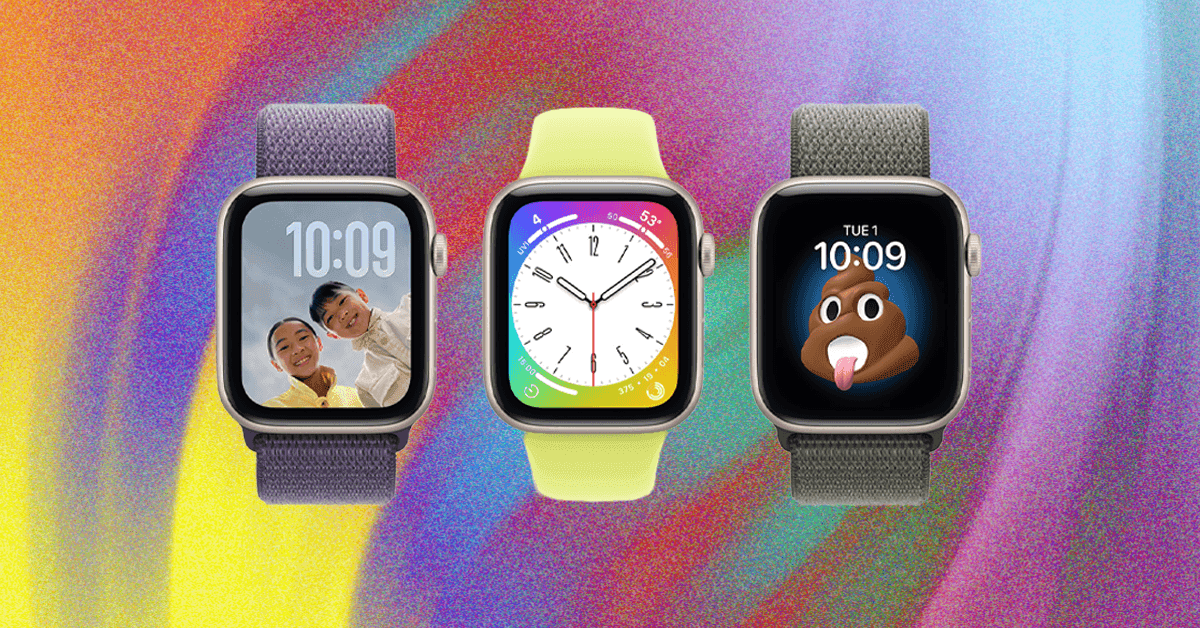
Like any Apple Watch, the watch face can be customized by holding down the screen and swiping to switch. Consider purchasing a smaller watch band designed for children. Once set up, the child can use features like Find My (for location tracking) and communication apps.
What's Next
App Store Compliance: Expect ongoing updates to app store policies and developer tools to fully comply with new state age verification laws.
Parental Control Enhancements: Apple is likely to introduce more granular parental controls and monitoring features in future watchOS updates.
Child-Specific Features: Watch for potential hardware and software features designed specifically for children, such as enhanced durability or simplified interfaces.
Why It Matters
Child Safety and Monitoring: Family Setup provides a way to stay connected and monitor a child's location and communication, offering parents peace of mind.
Digital Responsibility: Introducing children to technology at a young age requires careful management to foster healthy digital habits and responsible use.
Evolving Legal Landscape: New age verification laws are significantly impacting how app stores and developers handle children's online access, requiring proactive compliance.
Privacy Considerations: Balancing connectivity with privacy is crucial; parents must understand the data collected by the Apple Watch and how it's used.
Market Trends: AT&T and other companies are releasing smartphones designed specifically for kids, indicating a growing market for child-focused tech with built-in safety features [3].