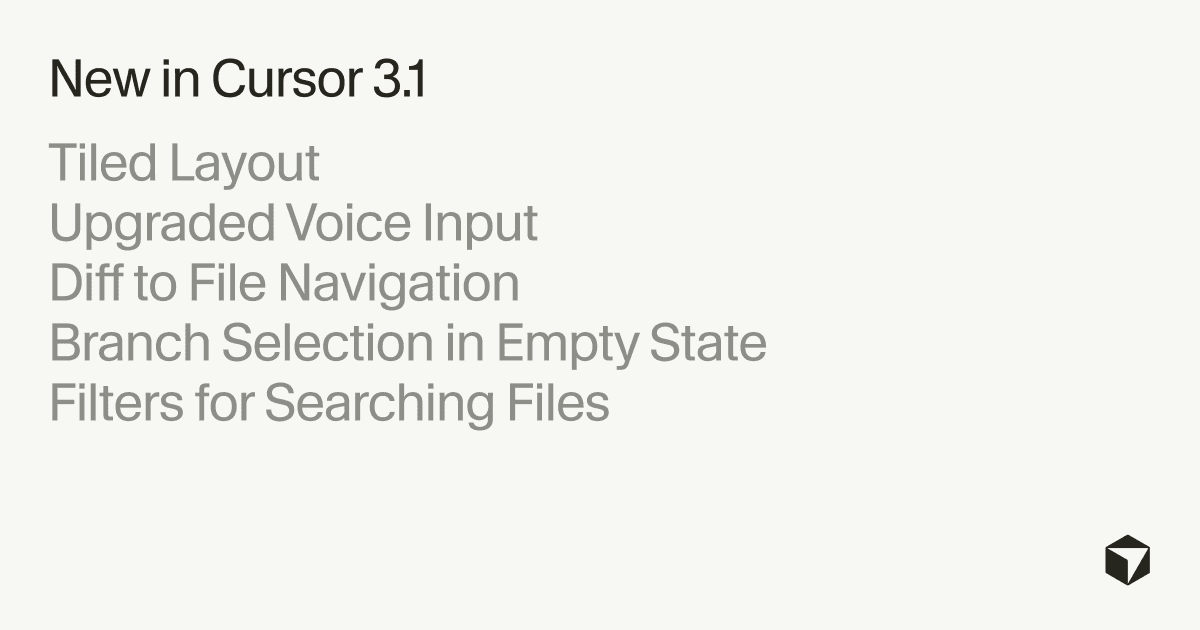
The 3.1 update introduces a powerful tiled layout that allows users to split their view into multiple panes. Developers can now run and manage several AI agents simultaneously, fostering a more fluid multi-tasking environment where outputs can be directly compared without constant tab switching, according to Cursor. This persistent setup across sessions ensures that a customized workspace is always ready.
Enhancing Developer Interaction and Workflow
A major focus of the Cursor 3.1 update is the upgraded voice input system, making dictation more reliable and accurate. The system records full voice clips and processes them with batch speech-to-text (STT) for higher-quality transcription. Users can press and hold `Ctrl+M` to speak, while new UI controls display a waveform, timer, and options to cancel or confirm recordings. This emphasis on voice input reflects a trend seen in other AI tools, such as Astropad's Workbench, which also features voice dictation for remote AI agent management.
Beyond the Agents Window, Cursor 3.1 brings several quality-of-life improvements to the development experience. Developers can now select a specific branch when starting an agent from an empty state, reducing the likelihood of accidental runs on incorrect branches. The update also streamlines navigation, allowing users to jump directly from a diff (difference) view to the exact line in a file within the editor.
Boosting Performance and Precision
The update includes new filters for "Search in Files," enabling users to scope code searches to specific file sets using include/exclude criteria. This provides developers with more granular control over their codebase. The platform also addresses underlying performance issues, including making follow-up messages in long chats feel "instant" and improving the smoothness of large edit streams by cutting dropped frames by approximately 87%.
These advancements illustrate a broader shift in the tech industry, where specialized AI tools like Cursor are evolving into more integrated and powerful coding environments. The improvements signal a move towards composable AI coding stacks, offering orchestration and execution layers rather than just standalone tools, a dynamic seen with the planned merger of Cursor, Claude Code, and OpenAI Codex into a unified AI coding solution. This focus on performance and usability is crucial as AI agents become central to how developers build and maintain software.