Unifying Creative Workflows with Integrated AI
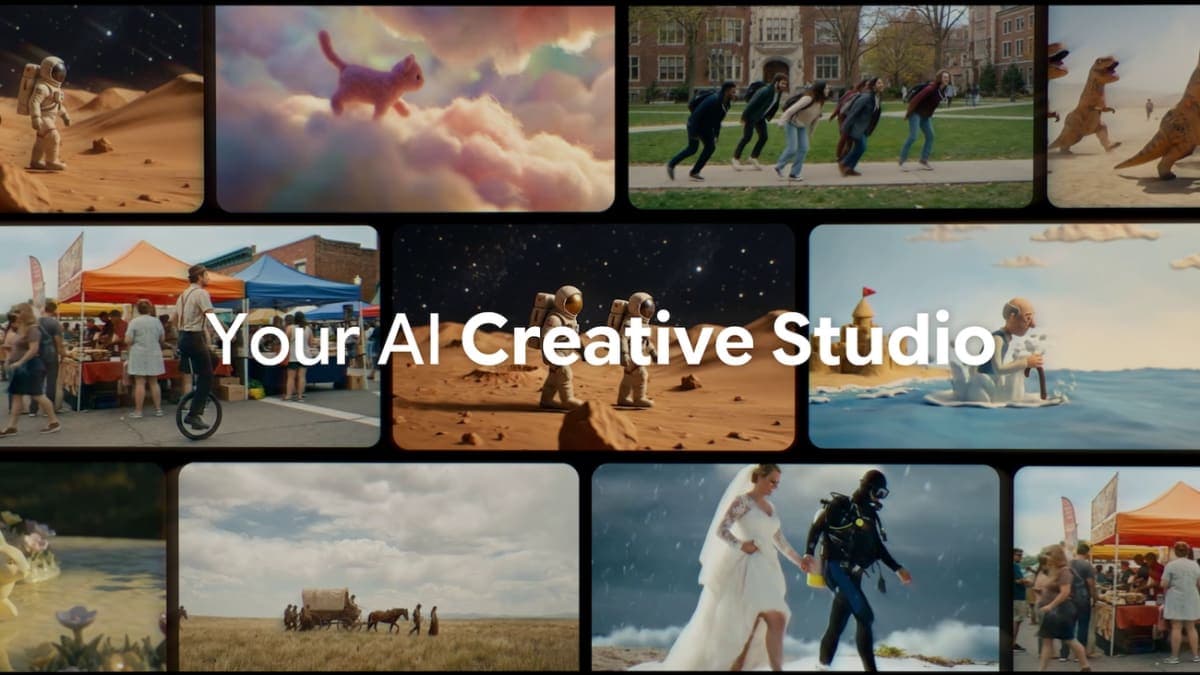
Google Flow now acts as a singular hub for visual content creation, moving beyond its initial scope as just a video generation tool. The latest updates merge the capabilities of previous image generation experiments, Whisk and ImageFX, directly into Flow's core experience. This integration means users can generate high-fidelity images with Nano Banana, instantly using them as ingredients or frames for Veo video generations without ever leaving the platform. Users can also generate images for free within Flow.To ensure a seamless transition for early adopters, Google announced that starting in March, users can opt to transfer all their existing Whisk and ImageFX projects and assets directly into their Flow library. This maintains continuity in their creative process, preventing any loss of work. Creators can now combine multiple images and style references to generate cohesive video scenes, simplifying complex creative tasks.
Streamlined Asset Management and Organization
Recognizing that the creative process is often non-linear and collaborative, Flow's updates include significant improvements to asset management. A new asset grid makes it easier to search, filter, and sort across images and videos. Users can now group their assets into collections, enhancing organization and workflow efficiency.This feature allows creatives to maintain an organized workspace by grouping related visual elements, which is particularly useful for large projects with numerous assets. Users can toggle between different view modes to either scan their entire library or focus on specific details, providing flexibility based on their current task. Furthermore, images and videos can be directly dragged within the interface to organize them or to use them as prompts, streamlining the interaction with the creative tools.