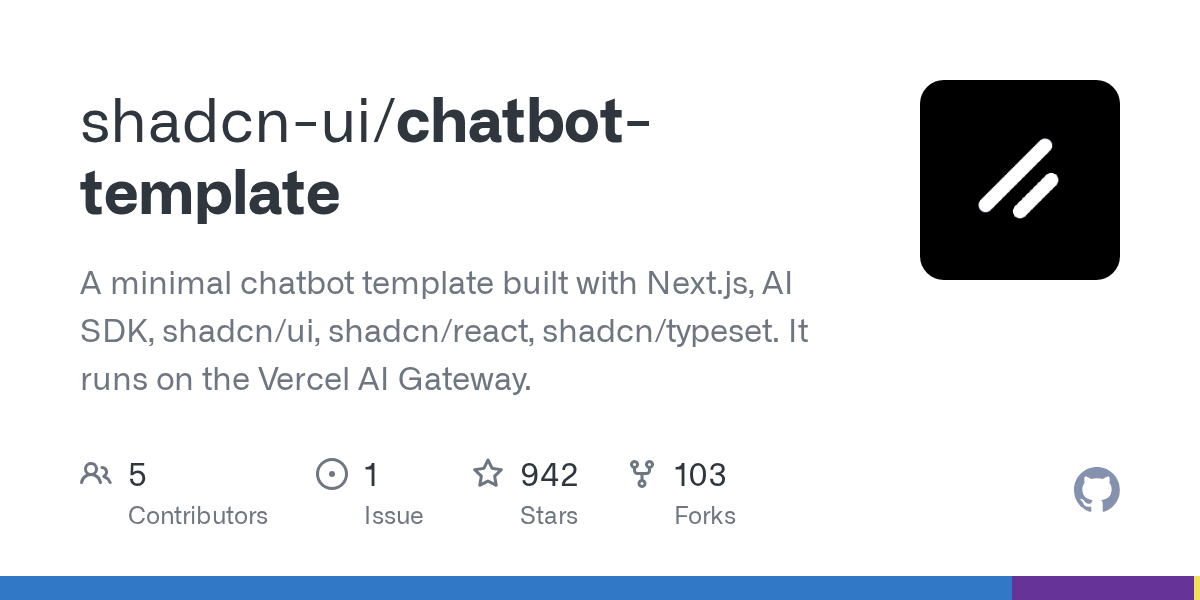
Developer tool creator Shadcn has released an open-source chatbot template for Next.js, integrating the Vercel AI SDK and shadcn/ui components. As of September 2026, the minimal template has already attracted over 942 stars on GitHub, providing a foundation for building AI chat applications with features like tool use and streaming responses.
The template serves as a ready-to-deploy starting point for developers aiming to build sophisticated AI chat interfaces without starting from scratch. It leverages Vercel's infrastructure, particularly the AI Gateway, to manage model interactions and credentials securely. This approach allows developers to focus on features rather than boilerplate setup.
What Features Are Included Out-of-the-Box?
The template provides a core set of features essential for modern AI chatbots. It includes built-in support for streaming chat with Markdown rendering, examples for tool calling like web search and GitHub repository lookups, and an interactive component for human-in-the-loop conversations where the model can ask clarifying questions.A key feature is its modular approach to rendering different parts of an assistant's message. The user interface can distinguish between plain text, the status of a running tool, and the final output of that tool. For example, it shows a spinner while a GitHub repo lookup is in progress and then displays the result once available.
The project also implements a unique "human-in-the-loop" function called `ask_user`. This allows the AI model to pause its generation and present a structured questionnaire to the user for clarification, with answers submitted through a `shadcn/ui` component.
| Message Part Type | Rendering Component | Functionality |
|---|---|---|
| text | text-part.tsx | Renders standard text with Markdown and syntax highlighting. |
| tool-github_repo | github-repo-part.tsx | Shows a loading state, then displays repository stats like stars and forks. |
| tool-web_search | web-search-part.tsx | Displays a "Searching the web…" status followed by source citations. |
| tool-ask_user | ask-user-part.tsx | Renders a questionnaire card for the user to provide input. |
How Is the Template Deployed and Secured?
The template is optimized for one-click deployment on Vercel, automatically authenticating to the Vercel AI Gateway without needing manual API key configuration. For local development, developers can use a key from the AI Gateway dashboard and add it to a local environment file.While the template provides basic request validation, the documentation explicitly warns that the default API route is public. For production use, it recommends implementing security measures like rate limiting to prevent credit depletion and adding authentication for private chatbots. Users can also set a spend limit within the Vercel AI Gateway as a financial backstop, a feature that helps unify AI spending controls across different models.
How Can Developers Add Custom Tools?
The framework is designed to be extensible, allowing developers to define their own custom tools. Adding a new tool involves creating a file that exports its definition, including a description and an input schema. This new tool is then registered in a central index file, making it available to the AI model.A key benefit of this architecture is its end-to-end type safety. The project uses TypeScript inference to ensure that the data flowing from a tool's execution to its UI component is correctly typed. According to the project's documentation, this means that renaming a tool field is a build error, not a silent undefined.
This strongly typed approach simplifies the development process and reduces runtime errors. Once a tool is defined, a corresponding React component must be created to render its various states, such as when it's loading, has completed successfully, or encountered an error.