
Open Sources
Curated repos, tools, and frameworks shaping the developer ecosystem.
Live data from GitHub.
Curated repos, tools, and frameworks shaping the developer ecosystem.
Live data from GitHub.
by simstudioai
Sim is the collaborative workspace to build, deploy, and monitor AI agents and workflows. Used by 100,000+ builders.





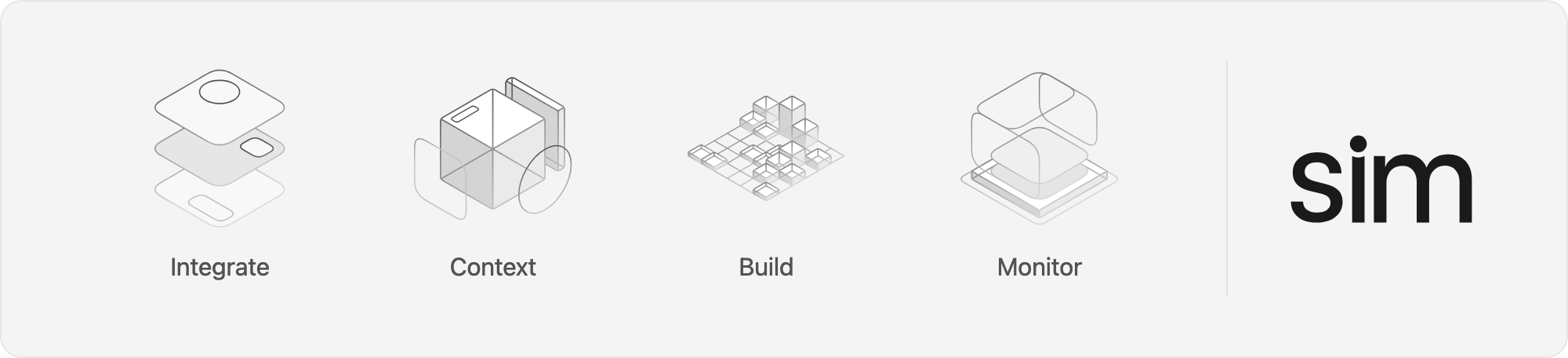
A workspace to build, deploy and manage AI agents and workflows.
npx sim-setup
macOS 12+, Apple Silicon and Intel. See the desktop docs to point it at a self-hosted deployment.
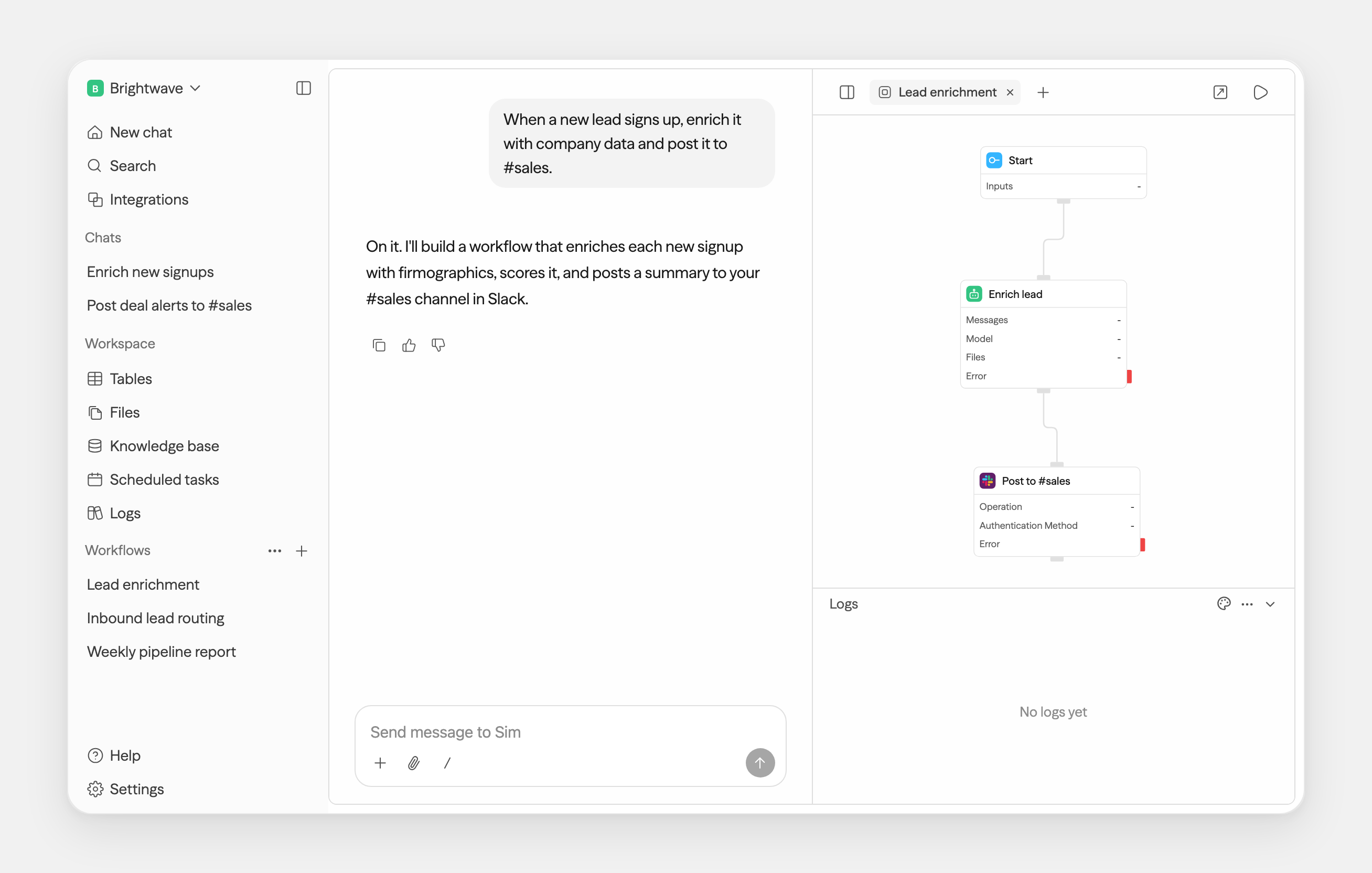
Chat and workflows are just the start — tables, files, and knowledge all live in the same workspace, in the browser or on your desktop.
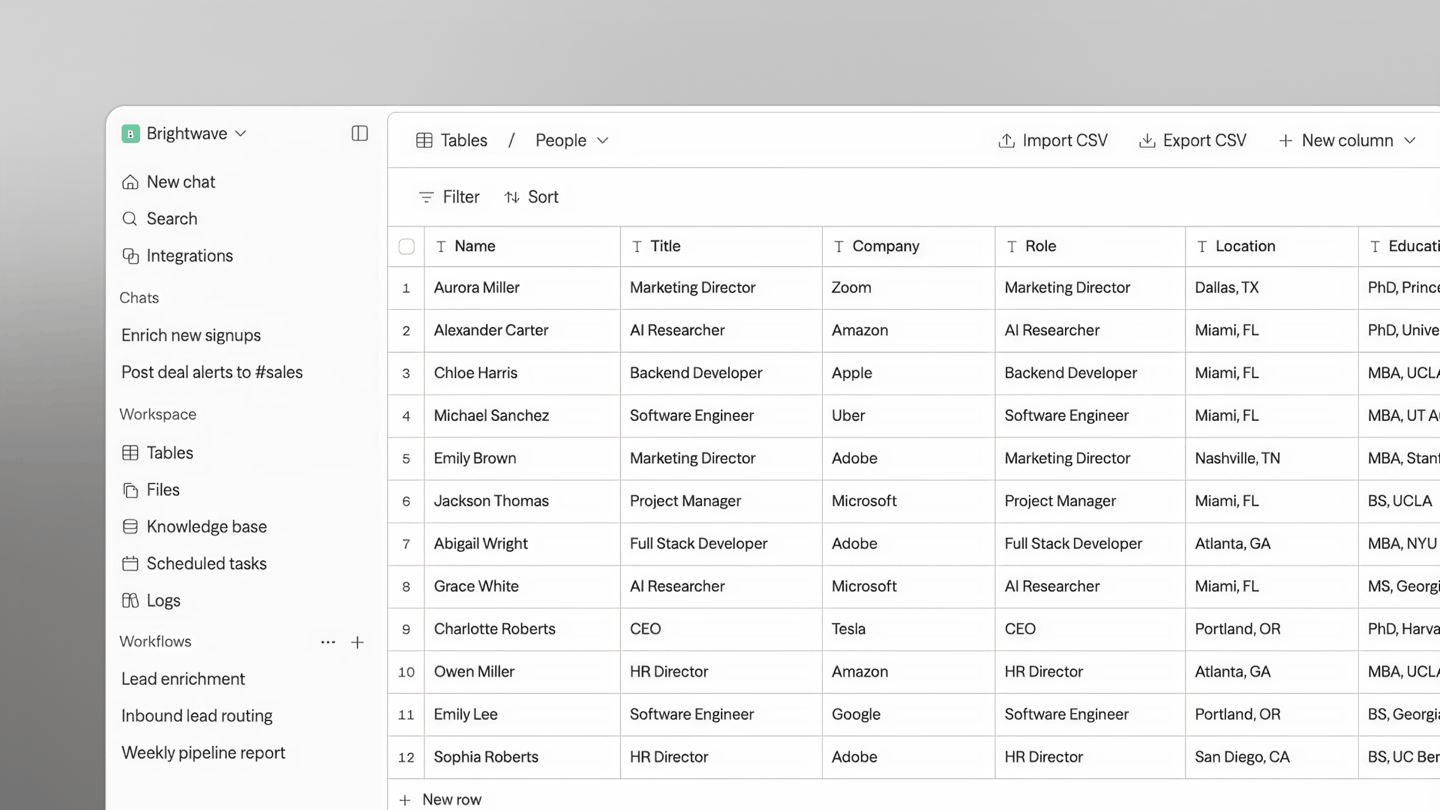
Tables — a database, built in |
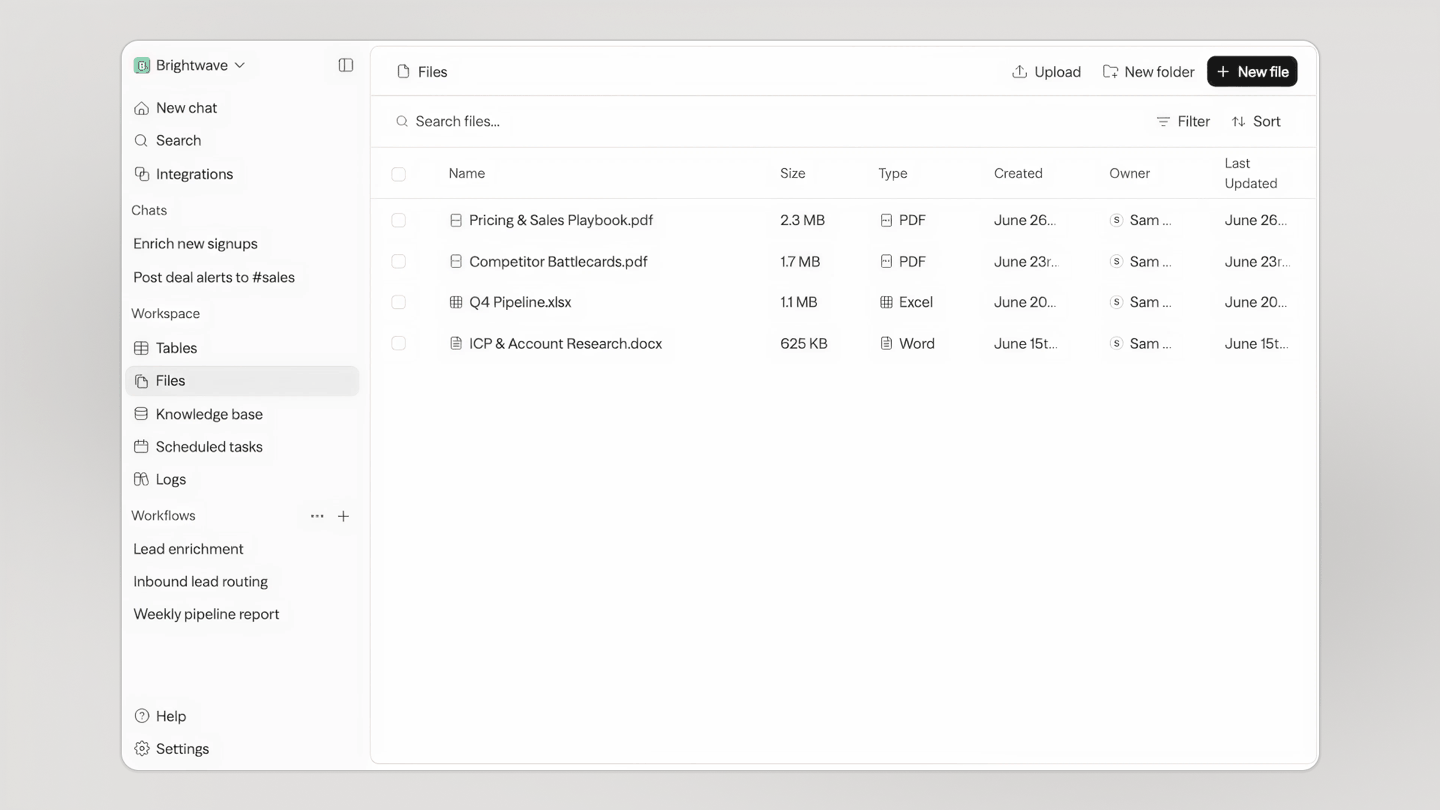
Files — one store for your team and every agent |
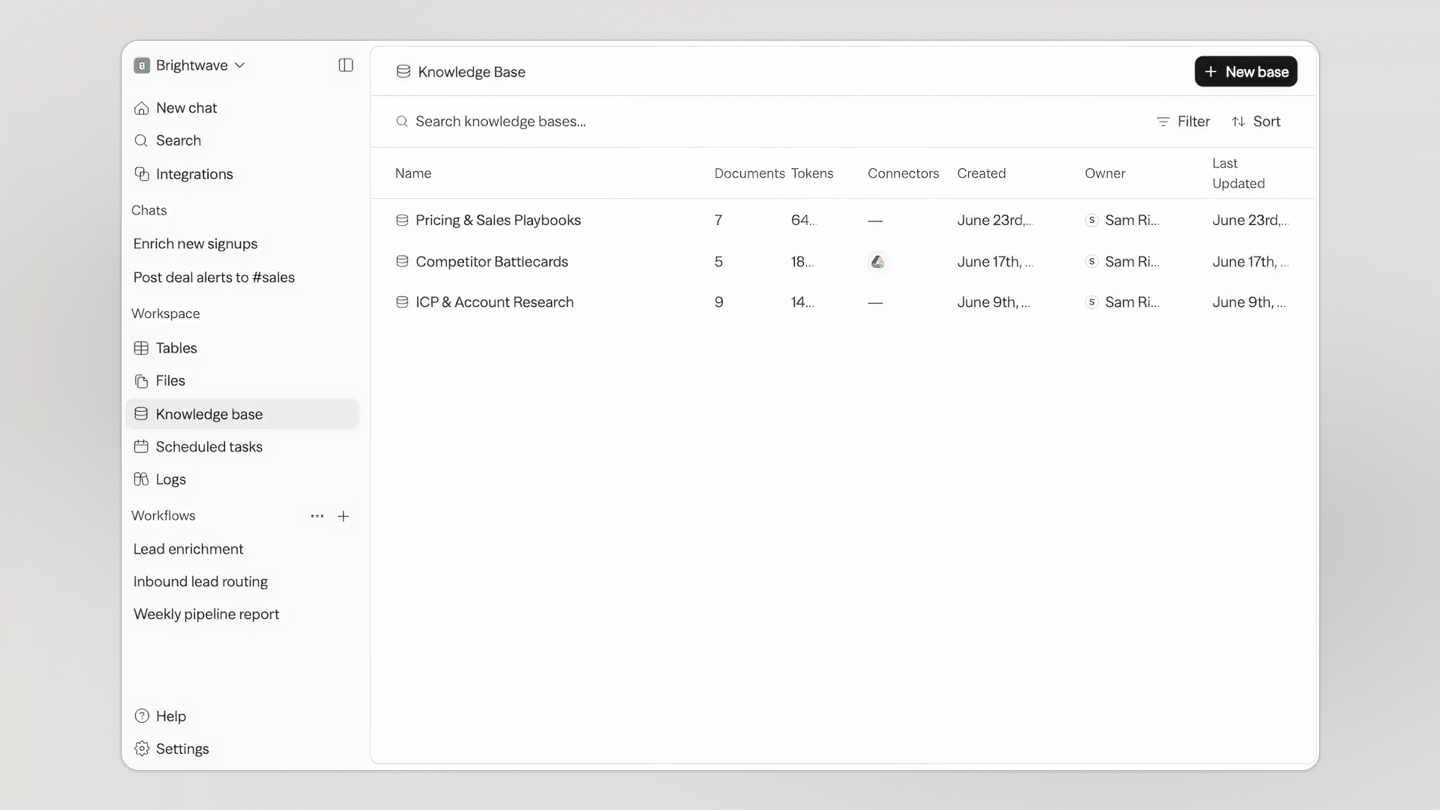
Knowledge — your agents' memory |
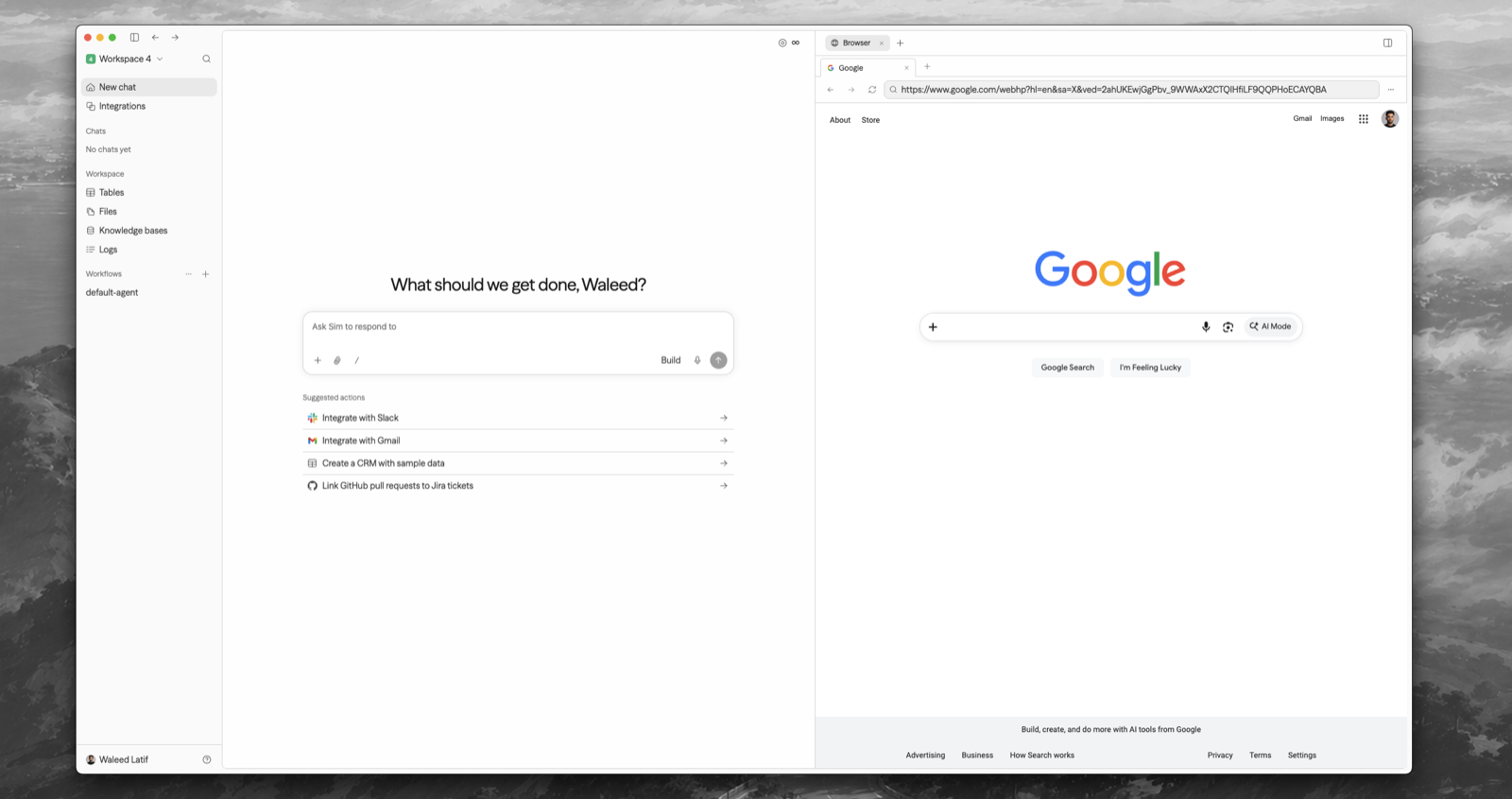
Desktop — Sim on your Mac, browser and terminal included |
Requirements: Node.js 20+ and Docker.
npx sim-setup is an interactive wizard that creates a small sim/ deployment directory, provisions the database, generates secrets, writes .env, connects a Chat API key, and starts the published Sim images with Docker Compose. It does not clone the repository.
When it finishes, open http://localhost:3000.
Inside a cloned Sim repository, run bun run sim-setup to unlock the source-only local development and Kubernetes modes.
Reconfigure an optional capability without rerunning the full wizard:
npx sim-setup config
npx sim-setup add email
npx sim-setup add storage
npx sim-setup add sandbox
npx sim-setup add jobs
npx sim-setup add cache
npx sim-setup add knowledge
npx sim-setup add chat
npx sim-setup add llm
npx sim-setup add integration slack
npx sim-setup config detects the effective local-dev, Docker Compose, or current-context
Helm configuration and reports configured, missing, or invalid capabilities and OAuth
integrations without printing credential values. This is separate from npx sim-setup status,
which reports whether installed services are running and healthy.
Manage your install from its directory:
npx sim-setup start | stop | restart   # bring your install up / down / cycle
npx sim-setup update                   # pull and apply Compose images
npx sim-setup status                   # what's installed and healthy
npx sim-setup logs                     # follow logs
npx sim-setup doctor                   # diagnose configuration problems
npx sim-setup down                     # remove containers (data kept)
npx sim-setup reset                    # archive .env and wipe managed data
The setup package detects how you're running and acts accordingly. Use --dir <path> to create or manage a deployment somewhere other than ./sim.
Sim also supports local models via Ollama and vLLM. See the self-hosting docs for details.
Chat is a Sim-managed service. npx sim-setup connects a Chat API key for you — sign in when it opens your browser and the key is stored automatically. To view, create, or revoke keys later, go to sim.ai/selfhost/settings/chat-keys.
See the environment variables reference for the full list, or apps/sim/.env.example for defaults.
We welcome contributions! Please see our Contributing Guide for details.
This project is licensed under the Apache License 2.0 - see the LICENSE file for details.

Fair-code workflow automation platform with native AI capabilities. Combine visual building with custom code, self-host or cloud, 400+ integrations.
Build Agentic workflows, RAG pipelines, with rich AI model and tool support on one collaborative workspace. Deploy on cloud, VPC, or self-hosted, so teams move from prototype to production without rebuilding the stack.
A set of beautifully-designed, accessible components and a code distribution platform. Works with your favorite frameworks. Open Source. Open Code.

