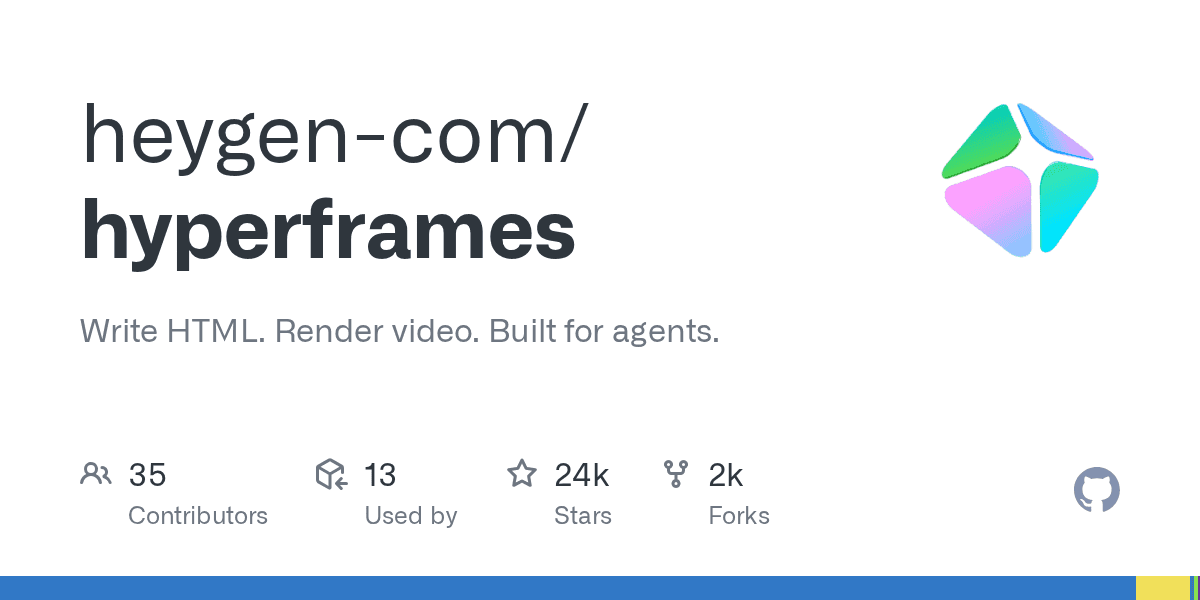
HeyGen's open-source HyperFrames framework allows developers to render MP4 videos directly from HTML and CSS. The project has gained significant developer interest, attracting over 23,600 stars on GitHub as of June 2026, according to its project page. It aims to simplify programmatic and AI-driven video creation.
The framework allows developers and AI agents to define video scenes, animations, and audio tracks using familiar web technologies. This "video as code" approach integrates video production into standard development and CI/CD pipelines.
By treating video composition as an `index.html` file, HyperFrames removes complex build steps. Developers can preview their work live in a browser before rendering the final MP4 file using a headless Chrome instance and FFmpeg.
How does HyperFrames work?
HyperFrames works by interpreting an HTML file as a video timeline. It uses special `data-*` attributes to control the timing, duration, and layering of elements like text, images, and video clips. Seekable animation libraries such as GSAP or Three.js are used to control motion over time, frame by frame.The core engine parses these compositions and drives a headless browser to capture each frame of the animation. Finally, the Producer component takes these frames, encodes them into a video stream with FFmpeg, and mixes in any specified audio tracks to create the final MP4 file.
This process is deterministic, meaning the same HTML input will always produce the exact same video output. This makes it ideal for automated regression testing and content generation pipelines where consistency is key.
What makes it different from Remotion?
The primary difference lies in the authoring model. HyperFrames bets on plain HTML and CSS, which is universally understood by developers and AI agents alike. In contrast, Remotion requires developers to build videos using React components, which introduces a framework-specific dependency and a bundler build step.
HyperFrames compositions are simple `index.html` files that can be previewed directly in a browser without any compilation. This simplifies the development loop and makes it easier for AI agents to generate valid video definitions. The project is also fully open source under an Apache 2.0 license.
| Feature | HyperFrames | Remotion |
|---|---|---|
| Authoring Model | Plain HTML, CSS, JavaScript | React components (JSX) |
| Build Step | None; `index.html` plays as-is | Bundler required |
| AI Agent Compatibility | High (agents write HTML natively) | Lower (requires JSX/React knowledge) |
| Animation | Adapter-based (GSAP, Lottie, etc.) | Frame-accurate via `useCurrentFrame` |
| License | Apache 2.0 | Source-available, commercial license needed |
What are the primary use cases?
HyperFrames is built for automated and programmatic video generation. Its capabilities are well-suited for creating product launch videos, animated data visualizations, and social media content with kinetic typography. The framework is already used in production at HeyGen for its own video products.Developers can use it to build reusable motion graphics templates that are populated with data from an API. Other powerful examples include generating PR walkthroughs with animated code diffs or automatically converting documentation pages and PDFs into video explainers.
The ecosystem includes a catalog of reusable components for elements like social overlays and data charts, further speeding up development. This positions HyperFrames as a foundational layer for future agent-driven content creation workflows, a space currently fraught with security challenges like the recent compromise of a GTA V cheat service hosted on GitHub, according to TechCrunch.