NVIDIA launched its GenAI Creator Toolkit on April 30, 2026, offering three production-ready ComfyUI workflows that run locally on NVIDIA RTX GPUs without cloud dependencies, according to NVIDIA's Technical Blog. These workflows include image deconstruction, targeted inpainting, and image-to-3D conversion, requiring up to 150 GB of disk space for models.
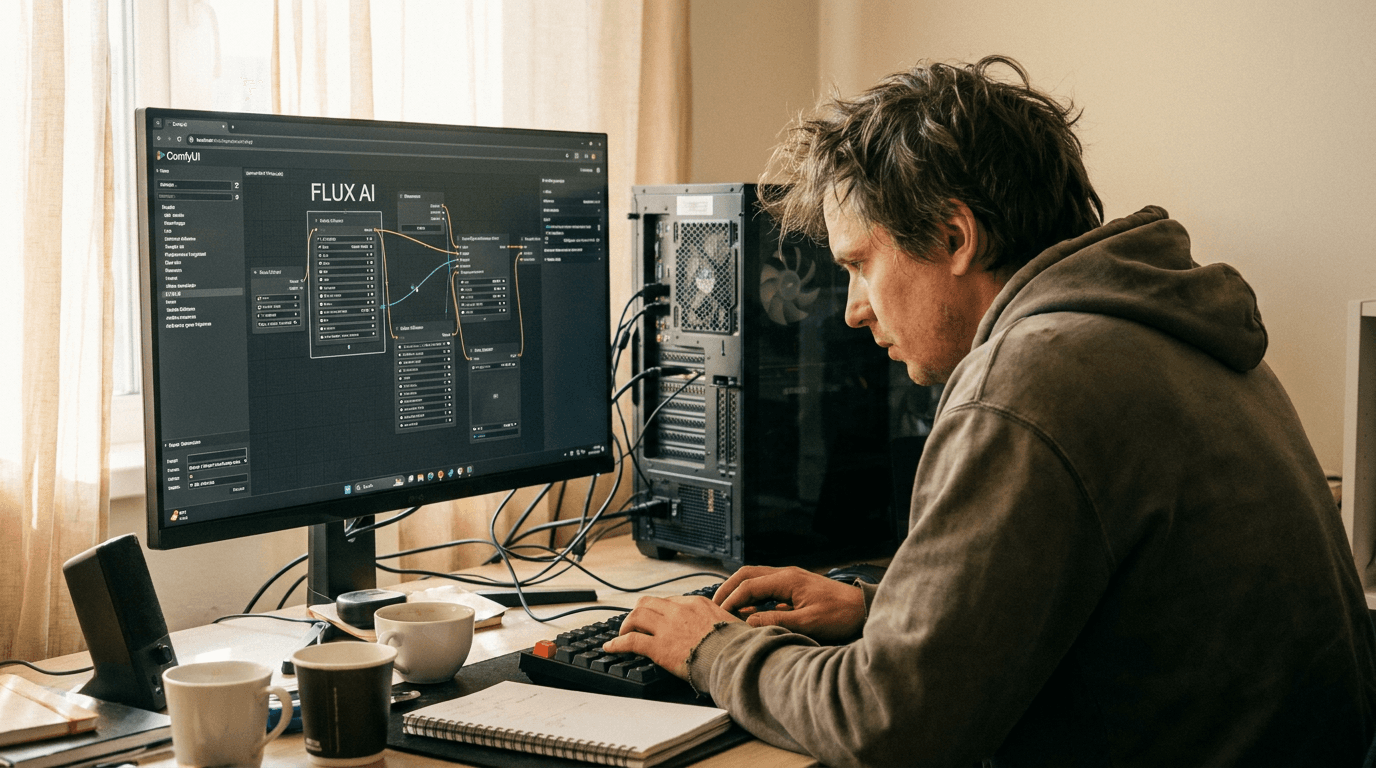
The toolkit provides creative and visualization teams with generative AI tools to accelerate asset production. It compresses tasks that traditionally require hours of manual effort into automated pipelines. By leveraging ComfyUI, an open-source, node-based creative application, teams can customize and extend image generation, video synthesis, and language models.
Running locally on RTX GPUs, the toolkit ensures data remains on client machines. This setup eliminates cloud dependencies, offering enhanced privacy and control.
What Does the Toolkit Offer Creative Professionals?
The NVIDIA GenAI Creator Toolkit provides three core workflows to streamline creative tasks: image deconstruction, targeted inpainting, and image-to-3D model conversion. These tools enable users to automate complex image manipulation, object removal, and 3D asset generation directly on their local machines. Each workflow is pre-built and accessible within ComfyUI, simplifying integration into existing creative processes.The image deconstruction workflow separates a photo into foreground, midground, and background layers. Each layer includes clean alpha masks, making them ready for compositing in tools like Photoshop or DaVinci Resolve. This eliminates manual masking and speeds up layer-based editing.
For targeted inpainting, users can remove unwanted objects from photos. The AI seamlessly fills the area, with an option to add new elements by describing them in a text prompt. This functionality is particularly useful for cleaning up images or modifying scenes.
The image-to-3D workflow converts a single photo into a textured GLB model. This feature is currently available only on Windows. It uses the DINOv3 model, which requires accepting Meta's data agreement on Hugging Face before use. This allows for rapid prototyping and generating 3D assets from 2D images.
Feature | Image Deconstruction | Targeted Inpainting | Image-to-3D |
|---|---|---|---|
Output | Layered PNGs with alpha masks | Cleaned image or image with new elements | Textured GLB model |
Cloud Dependency | None (local RTX GPU) | None (local RTX GPU) | None (local RTX GPU) |
Platform Support | Windows, Linux | Windows, Linux | Windows only (Linux support pending) |
AI Model Used | Integrated ComfyUI models | Integrated ComfyUI models | Meta DINOv3 |
How Do You Get Started With These Workflows?
Starting with the NVIDIA GenAI Creator Toolkit involves installing the workflows and ensuring your hardware meets the necessary specifications. Users need an NVIDIA RTX GPU with at least 24 GB of VRAM for Windows or 32 GB for Linux, alongside 150 GB of available disk space for AI models. The installation process leverages simple command-line scripts to download models and integrate workflows directly into your local ComfyUI environment.The installation downloads approximately 150 GB of AI models. This process can take between 30 to 60 minutes, depending on internet speed. A quick installation script streamlines this setup for both Windows and Linux users. As AI-generated content becomes more prevalent, these local tools provide greater control.
After installation, users load the pre-built node graphs directly into ComfyUI. They upload an image, click "Run," and the AI generates the desired output. For the image-to-3D workflow, users must first visit Hugging Face, log in, and agree to Meta's data terms for the DINOv3 model, which typically takes 24-48 hours for approval.
The toolkit is designed for users with basic web browser familiarity and comfort with running command-line scripts. No prior ComfyUI experience is required, as the workflows are pre-configured. The output files are saved locally in ComfyUI's output/ directory, ensuring original input files are never modified.