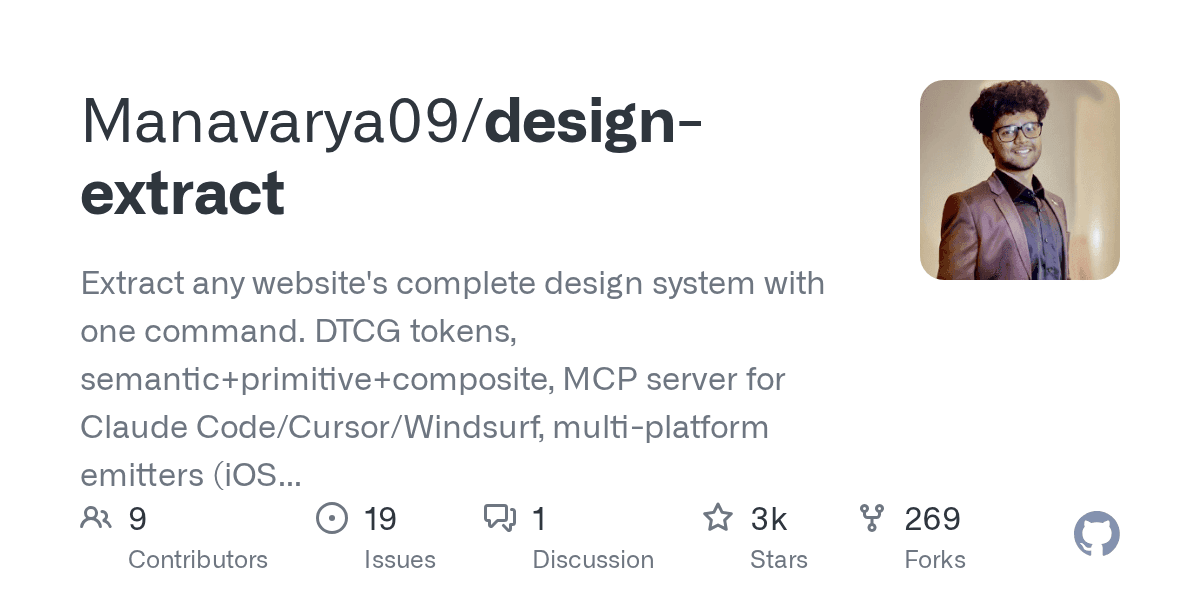
A new command-line tool, `design-extract`, allows developers to reverse-engineer a complete design system from any live website with a single command. According to its GitHub repository, which has over 3,000 stars, the tool's May 2026 update (v12.8) generates over 17 distinct file types for multi-platform use.
Unlike simple style scrapers that pull colors and fonts, `design-extract` functions like a CT scan for a website's user interface. It uses a headless browser to read the live DOM, analyzing not just the surface-level aesthetics but the underlying architectural choices that define a site's feel and function.
How Does It Go Beyond Simple Scraping?
The tool reads a site's architectural DNA by analyzing the layout system, responsive behavior, and interactive states. Instead of just grabbing color codes, it understands grid patterns, flex containers, and how elements reflow across four different breakpoints. It programmatically triggers hover, focus, and active states to capture those often-missed details.This deep analysis extends to a site's motion language, identifying animation durations, easing curves, and even classifying the overall feel as springy, smooth, or mechanical. The tool also detects and scores every foreground and background color combination for WCAG 2.1 contrast compliance, suggesting remediation palettes for failing pairs.
What Does an Extraction Report Contain?
Running the tool on a URL generates a comprehensive folder containing more than 17 files, ready for various development pipelines. The output includes everything from design tokens and framework configurations to AI-ready prompts, providing a complete toolkit for replicating or migrating a design.
File Output Description *-design-tokens.json W3C DTCG-compliant tokens (primitive, semantic, composite). *-tailwind.config.js A drop-in theme configuration file for Tailwind CSS. *-figma-variables.json An importable file for Figma Variables with light and dark modes. *-anatomy.tsx Typed React component stubs with detected variants and states. *-voice.json A summary of brand voice, including tone and common CTA verbs. *-grade.html A shareable 'Design Report Card' with an A-F grade and diagnostics.
Beyond these core files, `design-extract` can also generate multi-platform outputs for iOS (SwiftUI), Android (Compose), Flutter, and WordPress. Recent updates added powerful commands like `brand`, which generates a full 13-chapter brand guidelines book, and `pair`, which can fuse the visual style of one site with the brand voice of another.
What Is the Impact on Design and Development?
Tools like `design-extract` drastically reduce the manual labor in design system creation, competitive analysis, and website migrations. They act as digital prospectors, extracting valuable design data with precision, much as miners extract resources from the earth, a process detailed in a recent Reuters report on gold mining.This level of automation accelerates frontend development and empowers developers to quickly prototype with established, real-world design patterns. It allows a developer to clone a site's entire front-end structure into a working Next.js starter project or apply a target site's theme directly to their own application with a few commands. The tool integrates with AI agents like Claude Code and Cursor, turning design replication into a conversational command.