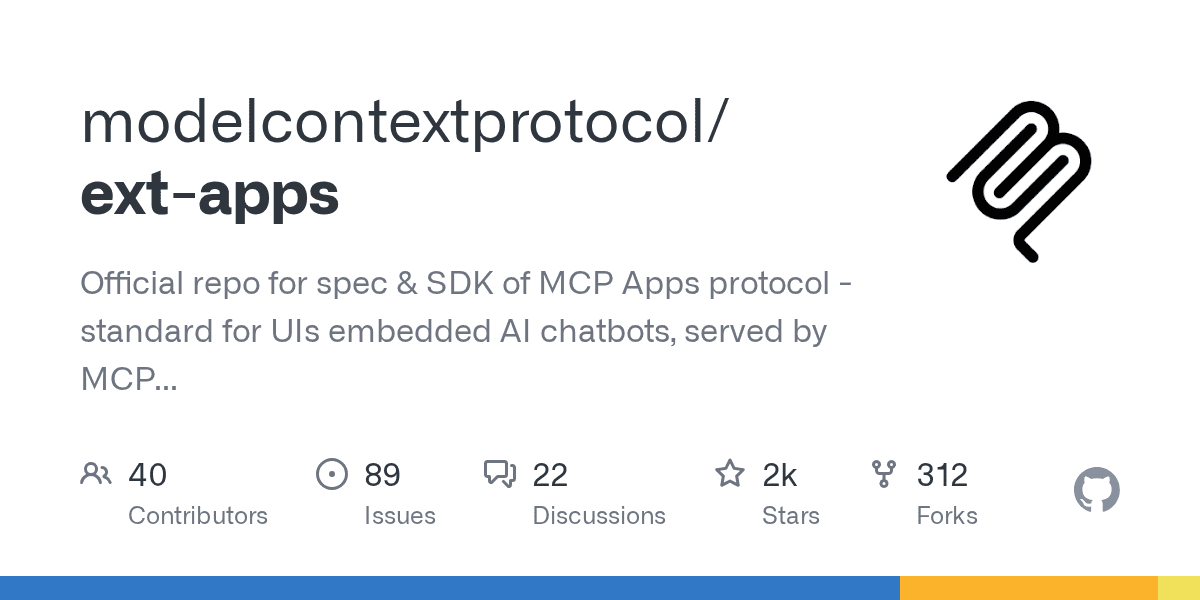
The Model Context Protocol (MCP) Apps standard defines a way to embed interactive user interfaces like charts and forms directly within AI chatbots.
According to the official GitHub repository, which has over 2,400 stars, the stable specification was released on January 26, 2026, to provide a unified method for AI tools to render rich HTML content in any compliant chat client.
While most AI tools return simple text or structured data, this limits their application. Complex tasks requiring interactive data visualization, user input via forms, or rich media playback have been difficult to implement across different chatbot platforms.
MCP Apps solve this by creating a sandboxed environment where a tool's UI can run safely inside the chat conversation, creating a more app-like experience.
How Do MCP Apps Work?
MCP Apps function by allowing a tool to declare a `ui://` resource within its definition. When an LLM decides to use that tool, the host application, such as a chatbot, fetches the HTML resource and renders it within a sandboxed iframe. This enables secure, bidirectional communication between the embedded UI and the chat client.This process ensures that the interactive component is isolated from the host application, preventing potential security risks. The host can pass tool data into the UI, and the UI can call other tools back through the host, enabling complex workflows.
Feature | Traditional Chatbot Tool | MCP App |
|---|---|---|
Output Type | Text or structured JSON | Interactive HTML, CSS, and JS |
Interactivity | Limited to text commands | Full UI interaction (buttons, forms, charts) |
Use Cases | Data lookups, simple actions | Dashboards, video players, design canvases |
What Is the Developer Experience Like?
Developers can build MCP Apps with a dedicated Software Development Kit (SDK) that includes packages for creating views, React hooks, and server-side tool registration. The project also provides "Agent Skills," which allow AI coding assistants to scaffold new apps, migrate existing ones, or add UIs to servers via simple text prompts.
The SDK offers starter templates for popular frameworks including React, Vue, Svelte, and Vanilla JS. This approach lowers the barrier to entry, enabling web developers to leverage their existing skills to build rich interfaces for AI agents, similar to the agent-building lessons found in Microsoft's AI agent guides.
The official repository showcases examples like a map viewer, a Three.js canvas, a music sheet reader, and a system monitor to demonstrate the protocol's versatility.
Why Is a Standard Protocol Important Now?
A standard protocol for embedded UIs is critical for ensuring security and interoperability in a rapidly fragmenting AI ecosystem. Recent supply chain attacks, like the one that compromised over 70 Microsoft GitHub repositories, underscore the danger of executing unvetted code from dependencies, according to TechCrunch.The Miasma worm, for instance, harvested developer credentials by embedding malicious code in open-source AI development tools. MCP Apps mitigate such risks by rendering all UIs within a sandboxed iframe, isolating them from the host application and the local system.
This security model becomes even more important as AI tool usage grows and billing models shift. With costs for some services like GitHub Copilot jumping as much as 25x, a standardized protocol that reduces redundant development work and enhances security offers significant economic and operational advantages.